---
title: "Tools I Love: Secretive"
date: 2026-05-13
excerpt: Using the Secure Enclave inside that hunk of metal and glass on your desk to do the mundane, safely.
---
I did a `git commit` and a `git push` this morning and realized there's a tool that I've used for many years now (or at least 4 years, depending on [when I actually put it in my Brewfile](https://github.com/eliperkins/dotfiles/blob/8fd4a95d2fe257839963f3e396db959b7d1a60c7/homebrew/Brewfile#L154)).
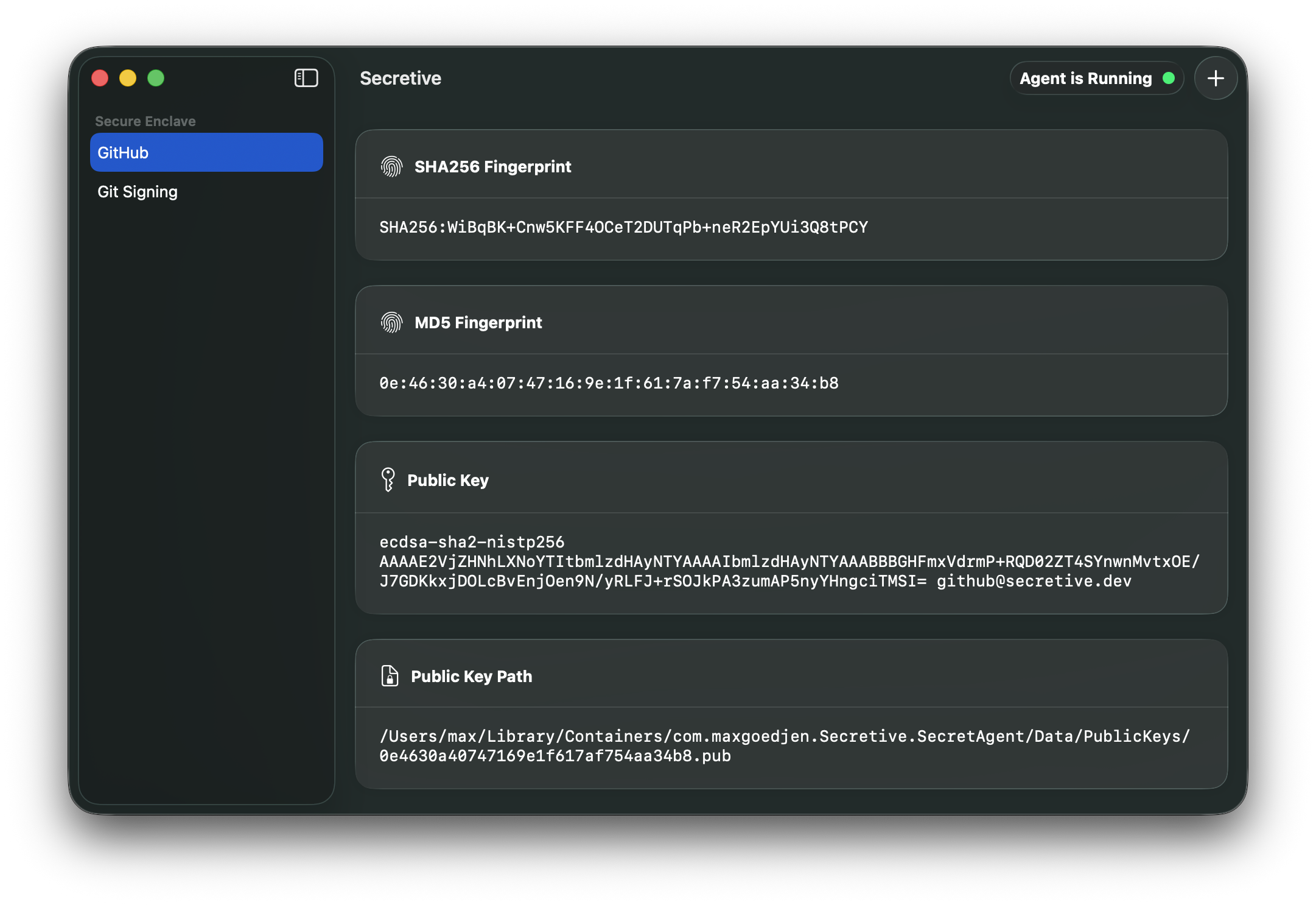
[Secretive](https://github.com/maxgoedjen/secretive) is one of the first tools I put on any new Mac. It does one thing and does it well: it creates and stores keys and handles key signing so you don't have to think about those `ssh-keygen` commands, putting that lil' [Secure Enclave](https://support.apple.com/en-us/105098) in your Mac to work. The beauty of the Secure Enclave is that all of the signing happens within the physical hardware. There's no private key sitting around on your computer for exfiltration (or for you to do stupid things with).
Secretive's UI is so dang simple because it does one thing and does it well
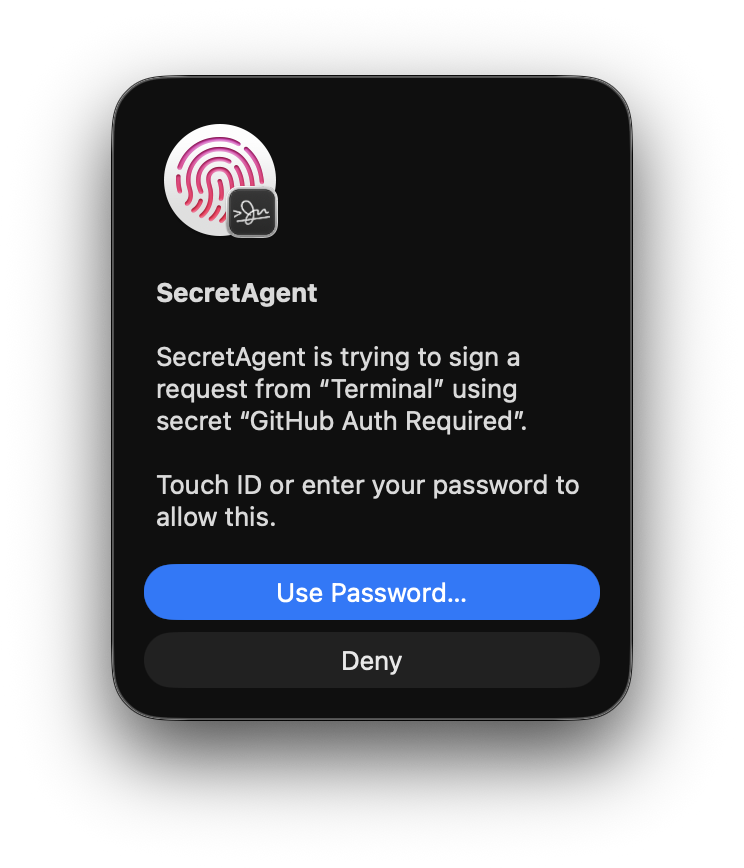
My personal setup is to create two keys in Secretive when I set up a new Mac: one with biometric authentication and one without. I'll use the non-biometric one for GitHub, so I can push and pull without needing to authenticate beyond logging into macOS. I'll use the biometric one for SSH'ing into remote servers or places where I can use SSH that I might want to stop to think about what I'm doing. This gives me the peace of mind that there's some human interaction needed before I go do dangerous or destructive things. I drop the non-biometric key into my GitHub account ([did you know you can do this with the `gh` CLI?](https://cli.github.com/manual/gh_ssh-key_add)), and set up my SSH config per Secretive's instructions, and off I go.
How I know I'm about to do something stupid
Secretive sits out of the way. I don't think about how I use it because it's so dang seamless. Secretive is an example of a great app that Uses The Platform™, leaning on the tools Apple provides for building secure apps that don't feel like a slog to use.
After working on [GitHub Mobile two-factor](https://github.blog/news-insights/company-news/secure-your-github-account-github-mobile-2fa/) which does all of the security handshakes within the Secure Enclave, I realized that more things should be happening on our devices' Secure Enclaves! Apple's CryptoKit includes the [`SecureEnclave` APIs](https://developer.apple.com/documentation/cryptokit/secureenclave) to do all of the signing directly on the device, quick and easy. Start by securing yourself using Secretive for your git and other SSH-based activities. Next time you reach for some sort of keypair signing or post-quantum encryption (TIL about [Module-Lattice-Based Key-Encapsulation](https://csrc.nist.gov/pubs/fips/203/final)), consider how you can leverage the Secure Enclave to keep you and your customers safe.